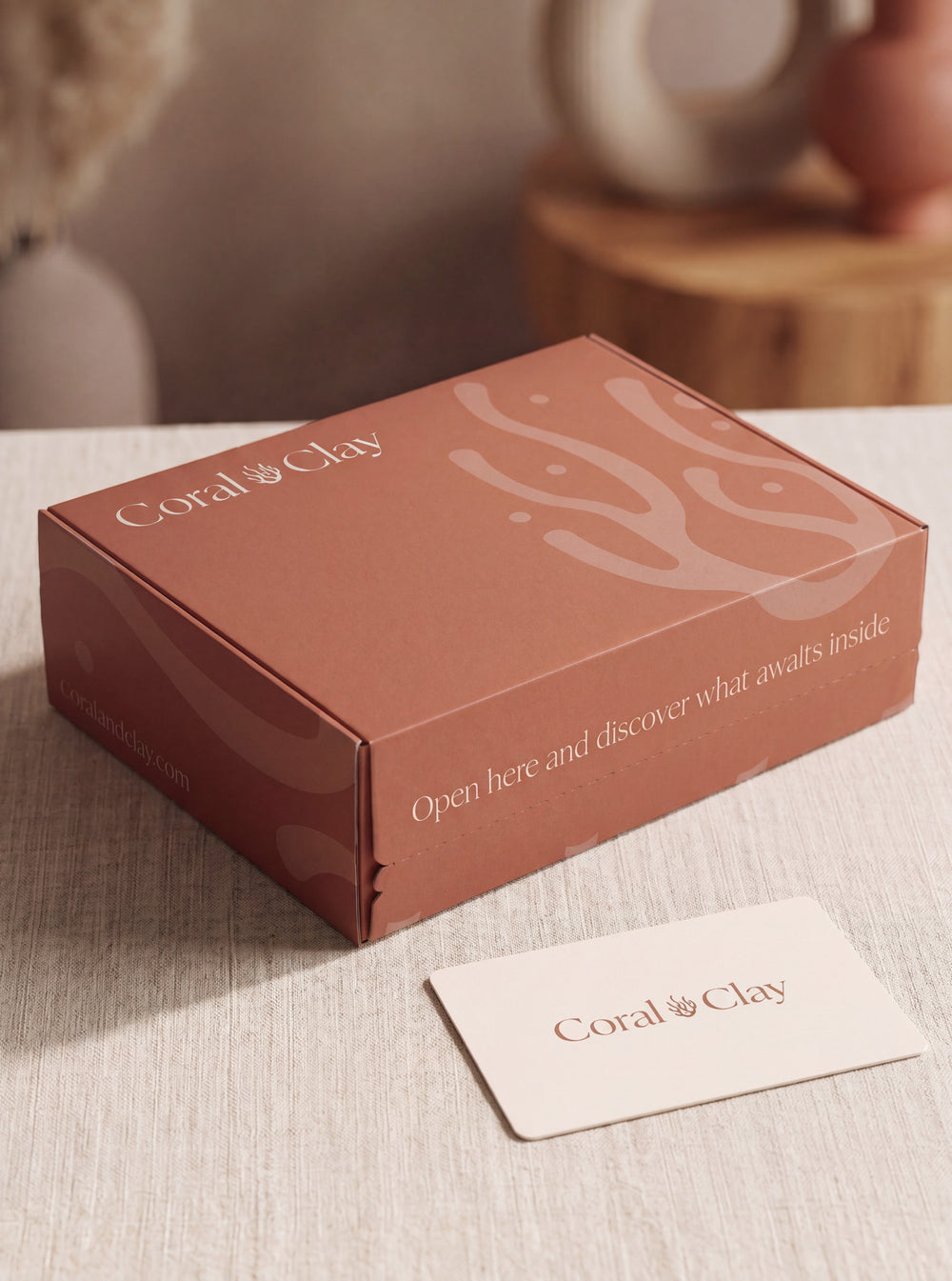
Preparing artwork for a custom printed gift box is not simply a matter of placing a logo on a template. The box structure, packed contents, print method and approval route all affect what can be produced. The safest process is to freeze the physical specification first, build artwork on the supplier’s current dieline and approve every production file against one written brief.
This guide takes you from packaging brief to production handoff. It is designed for marketing, procurement and operations teams that need fewer artwork errors, clearer approvals and a realistic route to a finished box.
Start with five decisions the artwork cannot solve
Graphic design should begin only after the project team has agreed:
- The contents. Confirm the products, likely substitutions, orientation and any protective packaging.
- The delivery model. Decide whether boxes will be handed over, delivered in bulk, sent to individual addresses or received at an event venue.
- The structure. Approve the internal and external dimensions, closure, insert and whether an outer shipping carton is required.
- The quantity and production route. Print method and setup depend on material, coverage, finishes and run size.
- The languages and versions. List every copy variant before the designer builds multiple files.
Changing one of these inputs late can alter panel sizes, print coverage, labels, packing instructions or the number of artwork versions. If the wider project is still open, use the corporate gifting brief template before beginning final design.
Use the supplier’s current dieline
A dieline is the technical drawing that maps the flat packaging before it is cut, folded and assembled. It normally identifies cut lines, folds, perforations, glue areas, printable panels and any non-printing hardware or closure areas.
Ask the packaging supplier to issue the dieline for the exact approved structure. Do not rebuild one from a screenshot, copy a previous project with similar dimensions or assume that a mock-up is production-ready.
Before design begins, record:
- the dieline filename, issue date and revision number;
- finished internal and external dimensions;
- panel orientation after assembly;
- which technical lines must remain unchanged;
- the supplier’s bleed and safe-area requirements;
- inside and outside print areas;
- glue, magnet, window and closure exclusions;
- required colour profile and final file format.
Keep the technical layer separate from the artwork and prevent accidental movement. If the structure changes, request a new supplier file and rebuild the layout against that version.
Build one controlled artwork pack
A good handoff is a small, unambiguous set of files. It should include the production artwork, a low-resolution reference showing how it should look when assembled and a short specification sheet.
| Item | What to provide | What to check |
|---|---|---|
| Logos | Approved vector files, preferably SVG, EPS or the printer’s requested format | Correct version, clear space and permission to use |
| Images | Linked or embedded high-resolution originals | Effective resolution at final size and image rights |
| Type | Fonts supplied or converted as the printer specifies | No missing characters, substitutions or broken diacritics |
| Colours | Named spot colours or agreed process values | References match the approved brand standard |
| Special processes | Clearly named layers for white ink, foil, varnish or embossing | Each layer uses the printer’s naming and overprint rules |
| Copy | One approved source document for all languages and panels | Artwork matches the signed-off text exactly |
| Revision | Project, structure, language and version in every filename | Only one file is marked for production |
Avoid sending “final”, “final-new” and “final-v2” without a revision record. A filename such as Campaign_BoxA_EN-NL_R03_APPROVED.pdf is much easier for a production team to control.
Prepare artwork for the actual print process
Use the printer’s specification rather than a generic online checklist. A robust file will normally use vector logos, adequate image resolution, the stated colour space, the required bleed and sufficient safe space around text and essential marks. The exact values are process-specific, so ask the supplier to confirm them in writing.
Material matters too. Uncoated board, coloured paper, kraft stock and textured surfaces can change colour and sharpness. White ink may be required beneath colour on a dark substrate. Large solid areas can reveal variation that a small logo does not. These are production decisions, not defects that can always be corrected after printing.
If exact brand colour is important, give the supplier a recognised physical or specified colour reference and agree the proofing method. A screen display is useful for layout, but it is not a reliable promise of colour on a physical material.
Design the panels as one opening sequence
Review the box in the order the recipient will experience it:
- the closed exterior;
- the opening action;
- the inside lid or first reveal;
- the arrangement of products;
- the card, insert or next step;
- information that remains useful after opening.
This helps avoid repetitive branding. The outside might identify the sender, while the inside carries the occasion and the card holds the personal message. A coherent sequence usually feels more considered than repeating a large logo on every surface.
Also view the artwork as a flat production file. Text can appear upright in the layout and become inverted after folding. Mark panel names on a non-printing reference copy and check the assembled visual before approval.
Proof copy separately from design
Create a copy matrix with one row for every panel and language version. Then compare the matrix with the production PDF character by character. Check:
- company, campaign and recipient names;
- spelling, punctuation, accents and Dutch diacritics;
- dates, quantities, URLs and contact details;
- QR-code destination and scan performance at printed size;
- which version goes to which recipient group;
- mandatory product, safety, disposal or supplier information;
- claims that require evidence or legal review.
Do not treat the printer’s technical preflight as copy-editing. Preflight can identify missing fonts, weak images or incorrect layers; it will not know that a date, translation or claim is wrong.
Use proofs to answer specific questions
Different proofing stages answer different questions:
- Flat artwork review: Is every element present and on the correct panel?
- Assembled digital visual: Does the hierarchy work once the box is built?
- Technical preflight: Can the printer output the supplied file using the agreed process?
- Colour proof or production reference: Is the agreed colour expectation documented?
- Structural sample: Does the unprinted box fit, close and protect the products?
- Production sample: Does a produced unit meet the agreed standard before packing begins?
A digital visual does not prove material feel, physical colour, closure strength or product fit. Likewise, an unbranded structural sample does not prove the final printing.
A physical sample of fully custom-branded packaging is not a routine step. It may sometimes be considered for a sufficiently large prospective project, but it can carry substantial one-off cost and requires project-specific confirmation of availability, price and timing.
Create one written approval route
Nominate one final approver and collect comments from brand, procurement, legal or compliance reviewers before sending a consolidated response. Each comment should identify the file revision, panel and required change.
The final approval note should state:
- the exact production filename and revision;
- the approved dieline version;
- quantity and language split;
- material, print method and finishes;
- colour references and the accepted proof;
- any approved tolerances or known limitations;
- the person authorised to release production;
- the approval date and time.
Keep that note with the final PDF, assembled reference and supplier specification. Approval by scattered chat messages is difficult to audit and easy to misinterpret.
Hand production a complete job, not just a PDF
The production handoff should connect artwork to the physical and operational plan. Include the box specification, approved artwork, assembled reference, quantities by version, packing diagram, product dimensions, insert plan, quality criteria and delivery milestones.
Also define the change process. If a product, box, material, destination or legal requirement changes, the team should know whether artwork must be reviewed again. A technically small change can affect a barcode, ingredient panel, disposal instruction, insert or shipping mark.
For budget comparison, review design, proofing, setup, assembly and delivery as part of the complete project rather than isolating the printed-box price. The branded gift-box cost guide explains the main quote drivers.
Plan the timeline from written approval
For Coral & Clay projects, branded packaging normally requires approximately two weeks of production after design approval. This is a planning norm, not a guarantee. Time for briefing, structural decisions, sourcing, artwork, proofing, packing and delivery must be added separately.
Build the schedule backwards from the required arrival date, with a named owner for each milestone:
- contents and delivery model frozen;
- structure and dieline approved;
- copy and brand assets supplied;
- artwork and assembled visual reviewed;
- technical preflight completed;
- written production approval issued;
- boxes produced and inspected;
- gifts assembled and quality-checked;
- shipment released with the required buffer.
If the deadline is fixed, shorten the design ambition before compressing essential checks. The corporate gift lead-time guide helps teams plan the wider sourcing, packing and delivery sequence.
Keep packaging compliance inside the project
Regulation (EU) 2025/40 on packaging and packaging waste applies on a phased basis from 12 August 2026. Packaging artwork may be affected by material, documentation, labelling and economic-operator responsibilities, with different obligations and transition dates. The European Commission published implementation guidance in 2026; consult the current official PPWR guidance on EUR-Lex for the applicable details.
Do not invent a recycling symbol or place an environmental claim on the box without evidence for the exact configuration. Ask who owns the legal review, what documentation supports the material and claim, and whether a change of supplier, coating, ink, insert or destination requires a fresh assessment. This is general project guidance, not legal advice. For a dedicated buyer checklist, read our guide to EU packaging rules for corporate gift boxes.
Final artwork-to-production checklist
- The products, delivery model, structure, quantity and versions are frozen.
- The supplier issued the current dieline for the approved box.
- Technical lines are separate, locked and excluded from print as required.
- Logos, images, fonts, colours and special-process layers meet the printer’s specification.
- Every panel and language matches the approved copy matrix.
- The assembled orientation, hierarchy and QR codes have been checked.
- Each proof has a defined purpose and acceptance record.
- One person has approved one clearly named production file.
- The handoff includes quantities, packing information and quality criteria.
- The schedule separates artwork, production, packing and delivery.
- Current packaging and claim requirements have an assigned reviewer.
Prepare a box that is ready to produce
We can develop the packaging structure, artwork route and finished gift as one coordinated project. Request a branded gift-box proposal.